Organization administration
Where: sidebar footer → Administration.
The Overview tab shows your organization, region, signed-in identity, role, tenant binding, and session MFA status. Owners and administrators also see management sections. Other supported human roles have a read-only organization overview rather than access to management lists.
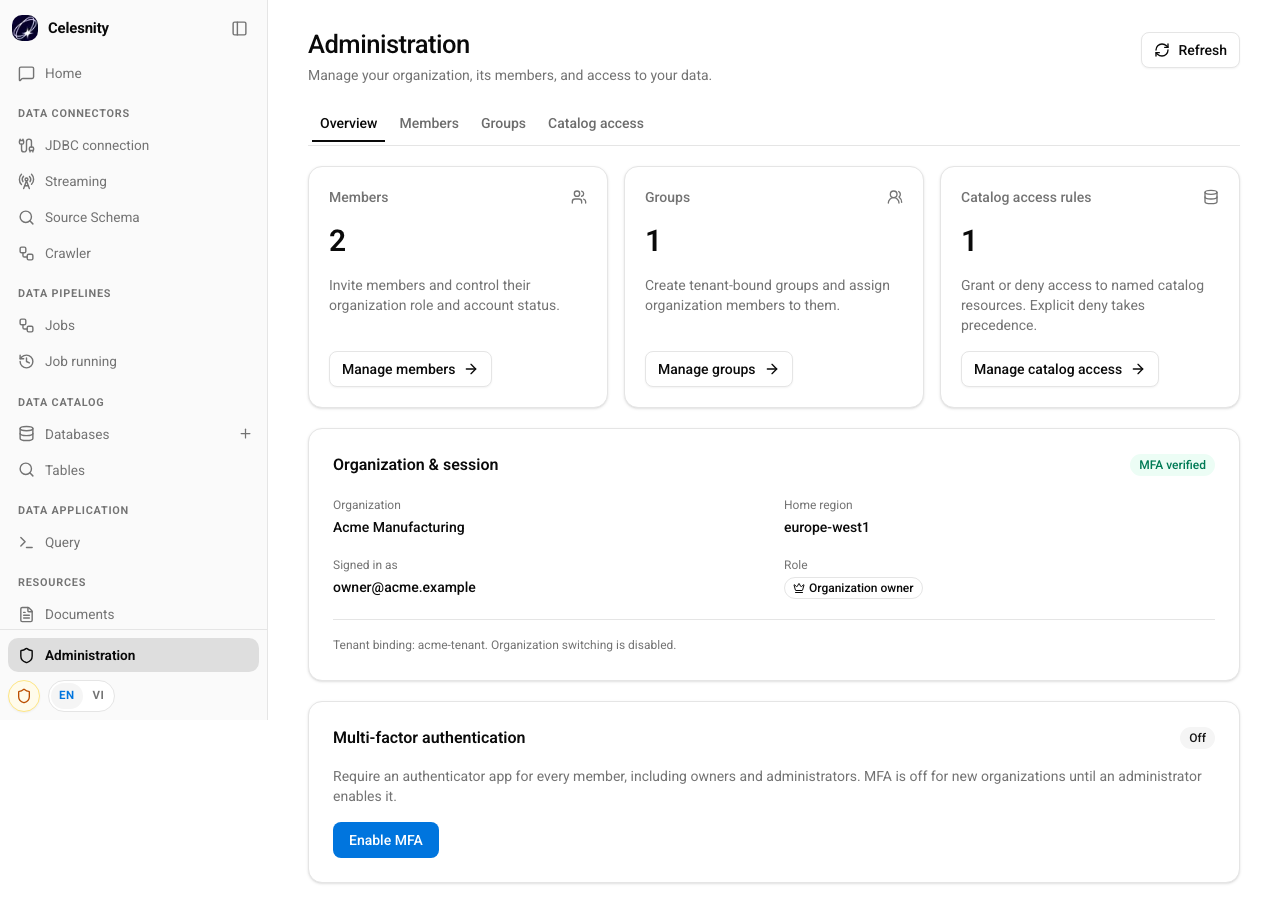
Illustrative screenshot from local visual-test fixtures. It includes the MFA opt-in feature; it is not evidence that the feature is deployed in your environment.
Invite people, update roles, revoke access, or remove an account.
Group members and grant access to named catalog resources.
Require authenticator-based sign-in for every human member.
Identify session, membership, role, and catalog-access problems.
Organization boundaries
- An identity tenant maps to one organization. There is no organization switcher.
- Ordinary organization administration happens in Web. The internal control plane onboards organizations and is not a customer sign-up page.
- A member's role determines broad application permissions; catalog grants determine access to named data resources.
- Keep at least one active organization owner. The backend rejects operations that would remove or demote the last active owner.
Save feedback matters
If a change succeeds but refreshing the screen fails, Celesnity warns that the change was saved and the displayed data could not be refreshed. Refresh first; do not submit the same action again simply because the list looks old.
Web Administration provides Overview, Members, Groups, and Catalog access tabs. Operator audit views are in the separate internal control plane, not in Web Administration.